

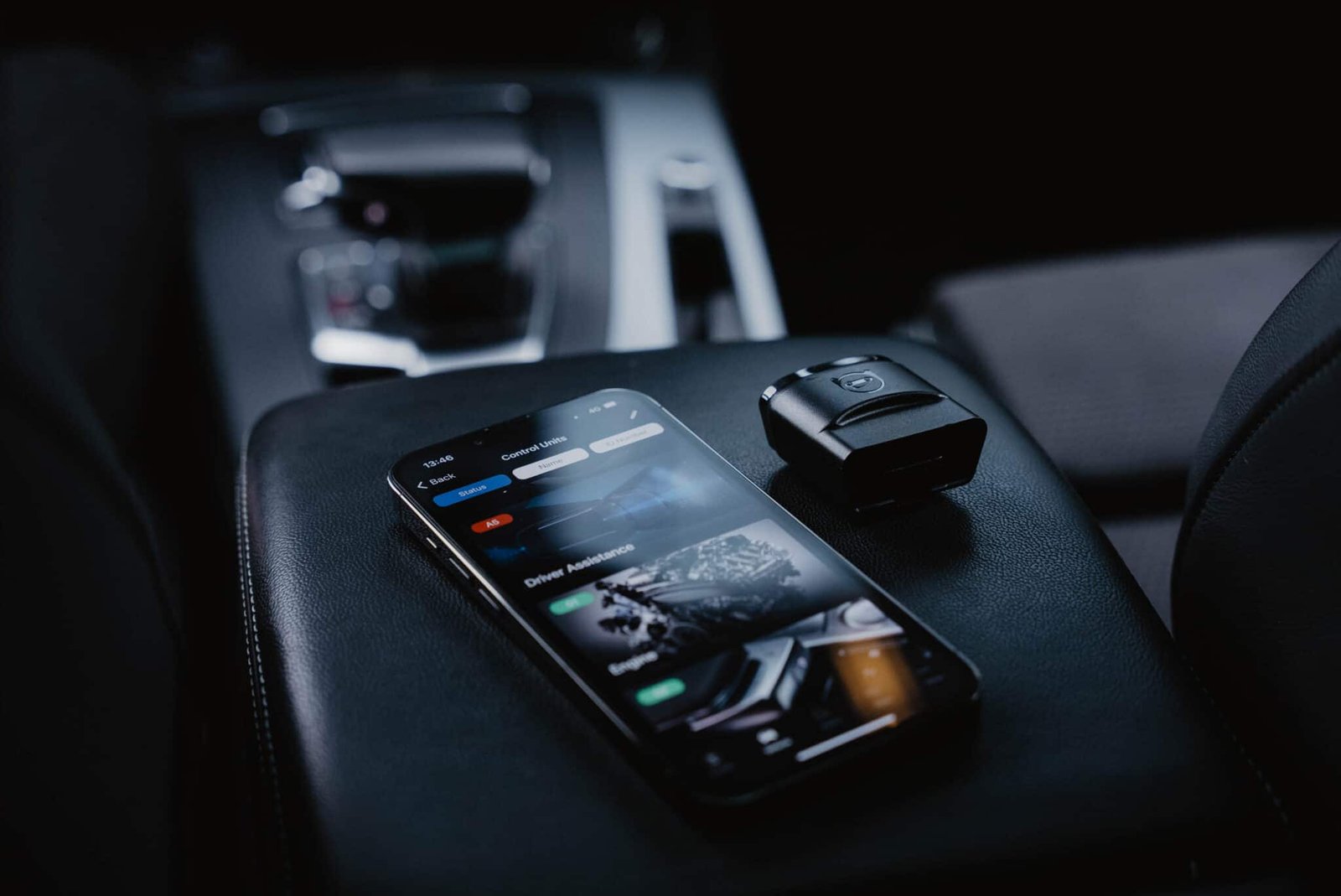





Description
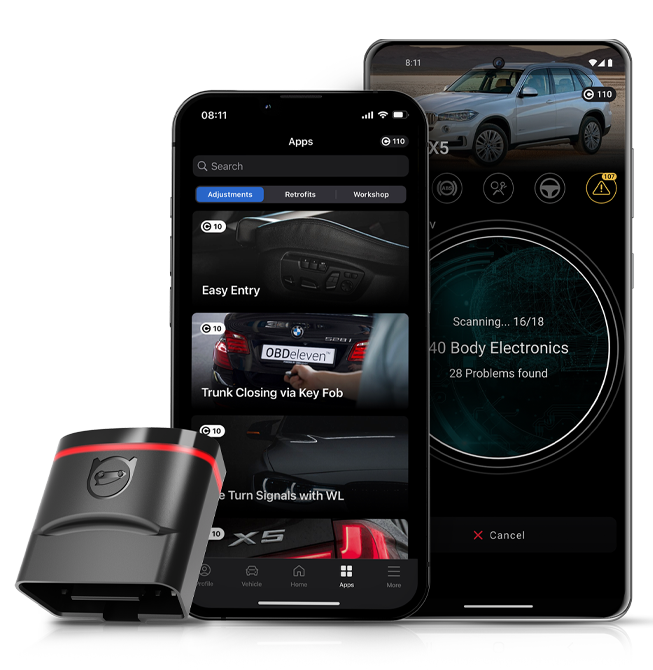
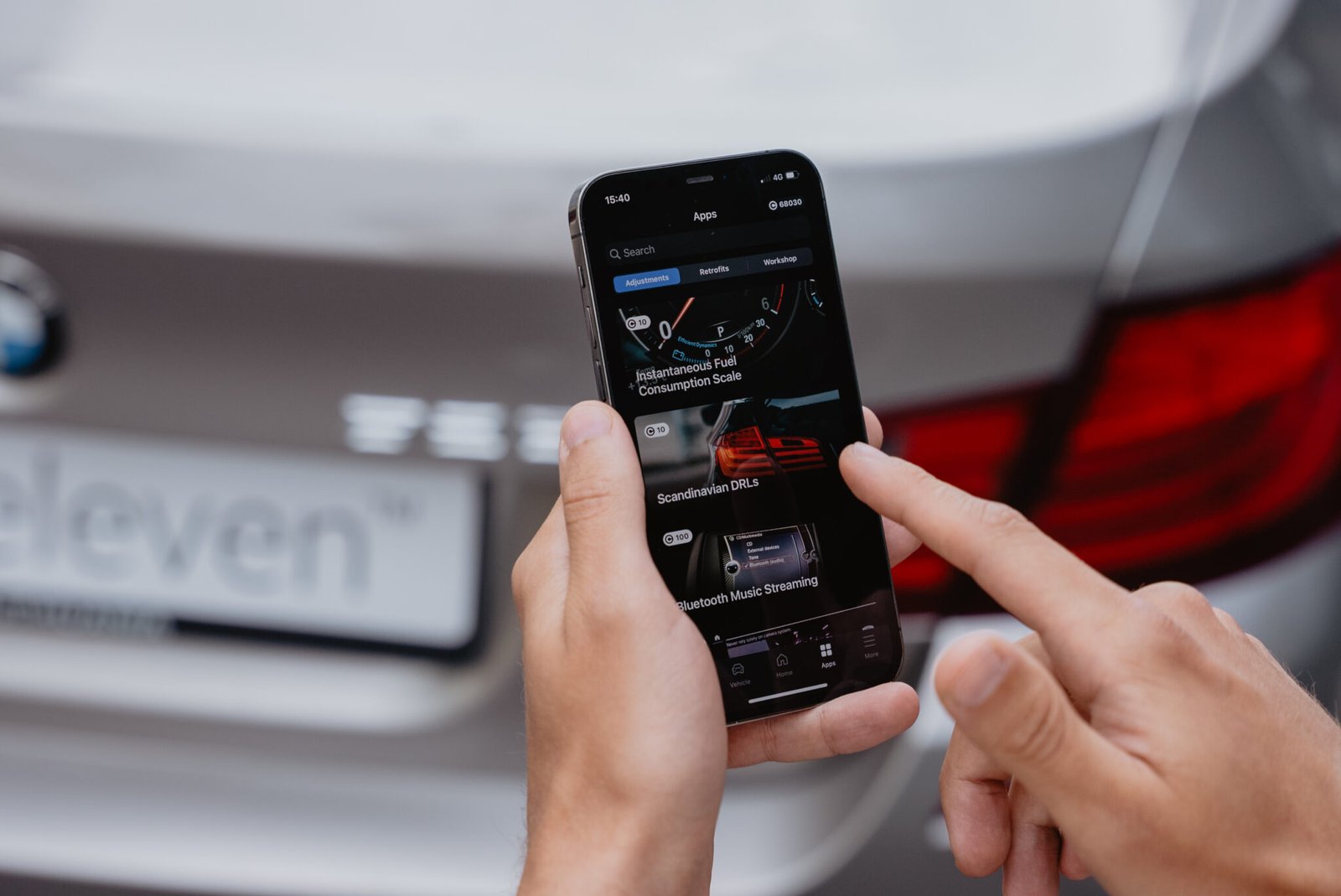
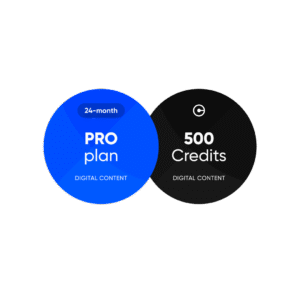
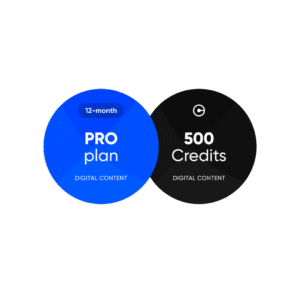
Credits act as an in-app currency you can use to purchase One-Click Apps – pre-made car customizations to modify your vehicle.
How to activate
Redeem your plan by following these steps:
- Go to your inbox after completing purchase.
- You’ll find an email with your plan code and a link to the user dashboard.
- If the link doesn’t work, go to and log in with your OBDeleven mobile app account.
- Type in the code from the email manually.
- Click “Redeem”.
Note: Codes for digital items, including PRO, ULTIMATE subscriptions, and Credits, are valid for one year from the date of purchase. Be sure to activate them before they expire.
Virtual Goods Delivery
Digital products like PRO/ULTIMATE subscriptions and Credit codes are delivered by email. If you buy a subscription pack, it’s activated directly through your OBDeleven device when connected to the app – no physical shipping needed.
Virtual goods, including PRO and ULTIMATE subscription plans and Credit activation codes, will be delivered via the email address provided during registration.
For subscription packs (PRO pack, Ultimate pack), the plan will be redeemed directly through the OBDeleven device while it is connected to the Services.
Virtual goods returns
PRO and ULTIMATE subscription plans may be returned within 30 days of purchase provided no features have been used.
If at least one feature of a subscription has been used, the subscription cannot be returned.
Packs or promotional bundles can only be returned as a single item.
Credit activation codes
Unused activation codes may be returned within 30 days from the date of generation.
Used codes are non-refundable.

Reviews
There are no reviews yet.